Checkout

Product Image
Web Optimization Point
Screen Recorder Single User
★★★★★


Coupon Code: SAVE7

🔖Use 'SAVE7' to Get 7% Off !


Powerful Features

Discover how WebOptimizationPoint can transform your screen recording workflow with these amazing features

High-Quality Recording

High-Quality Recording

Capture your screen in crystal clear quality with customizable resolution and frame rate settings.

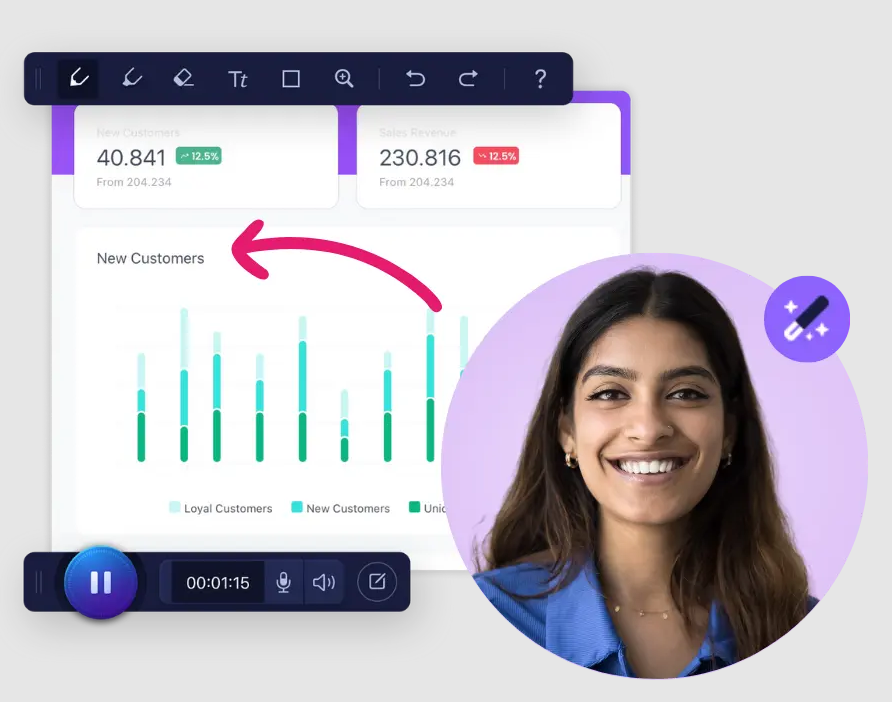
Annotation Tools

Annotation Tools

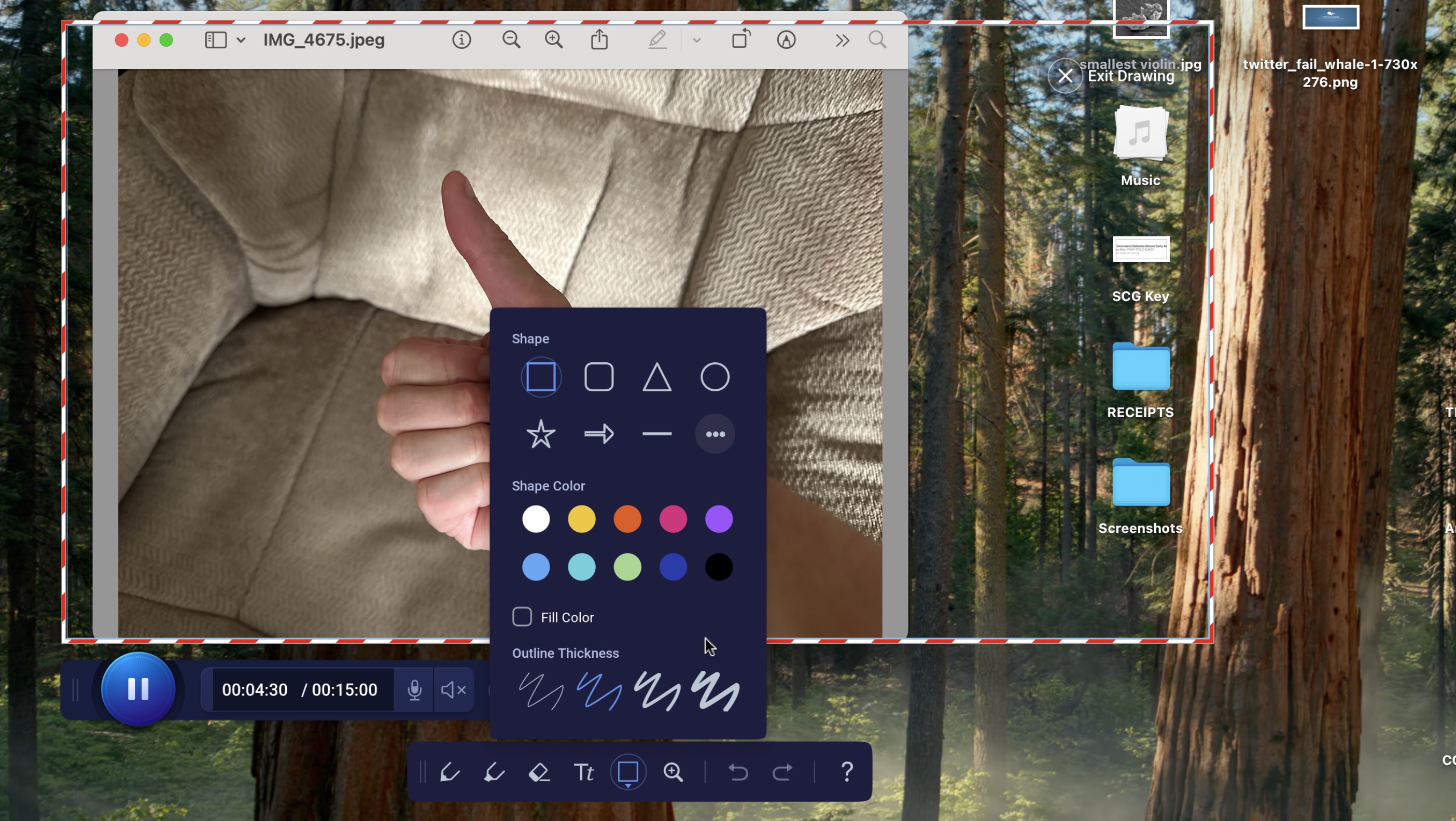
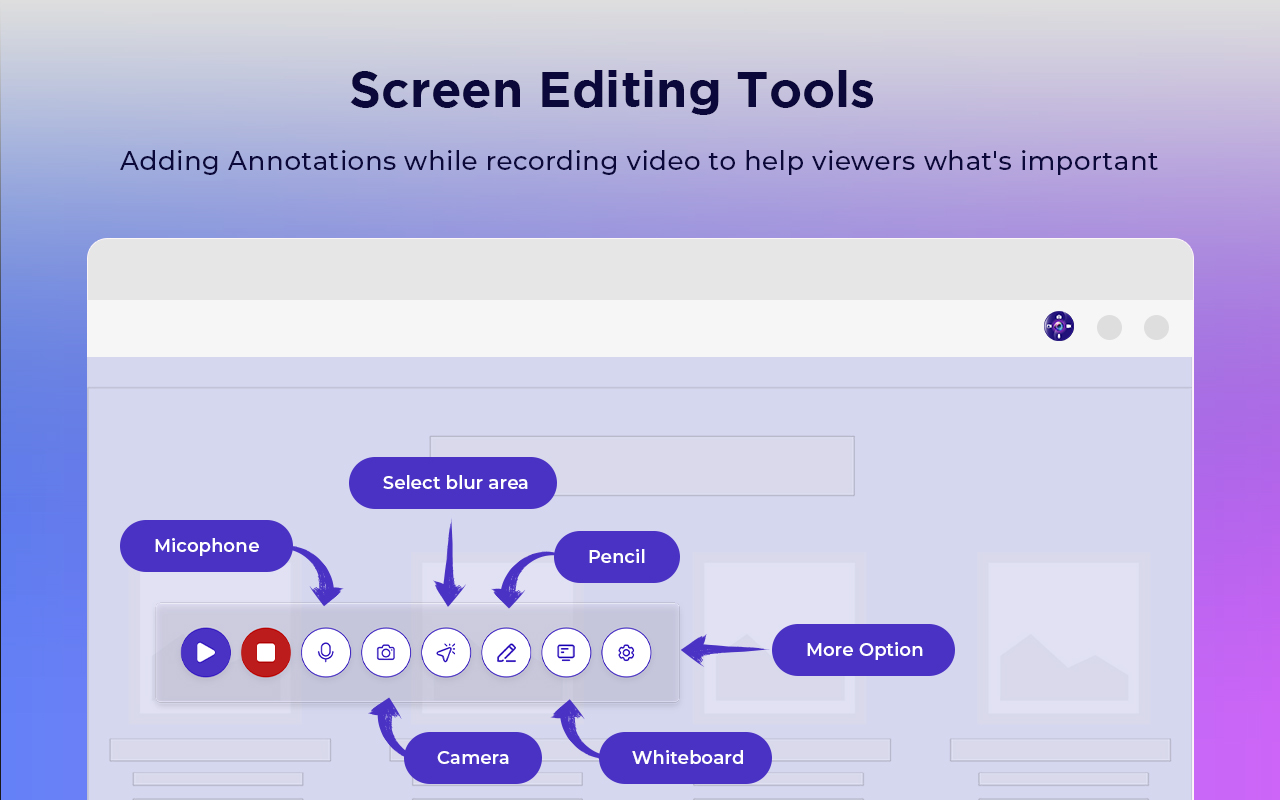
Draw, highlight, add text, arrows, and shapes directly on your recordings to emphasize important points.

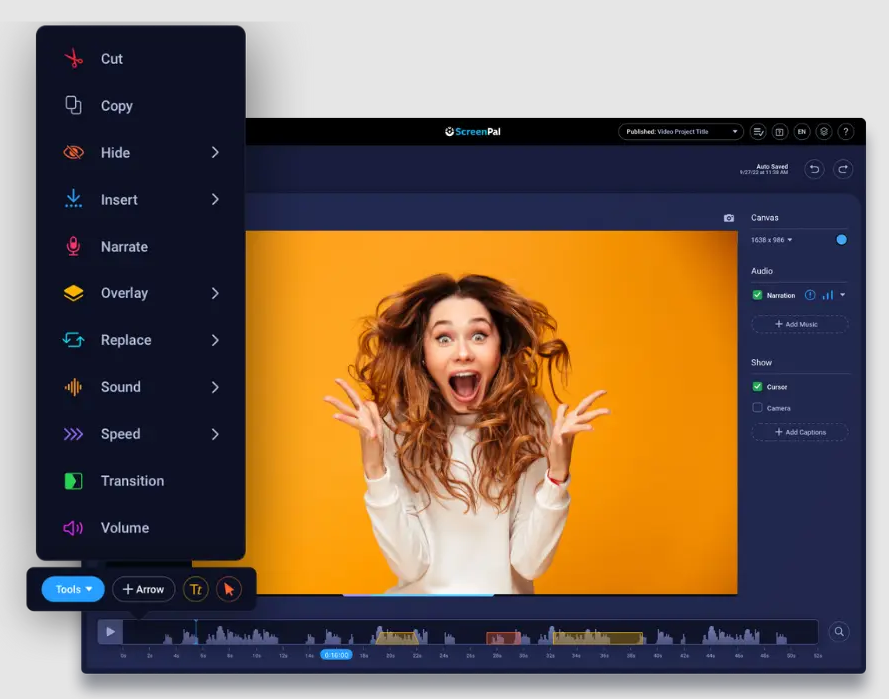
Easy Editing

Easy Editing

Trim, cut, and merge your recordings with our intuitive timeline editor. No complex software needed.

Quick Sharing

Quick Sharing

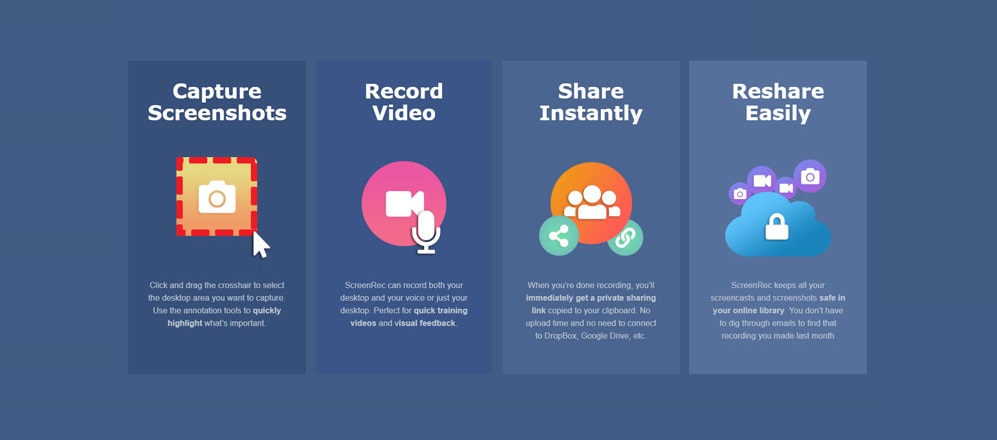
Share your recordings directly to YouTube, Vimeo, or export in multiple formats for any platform.

Audio Enhancement

Audio Enhancement

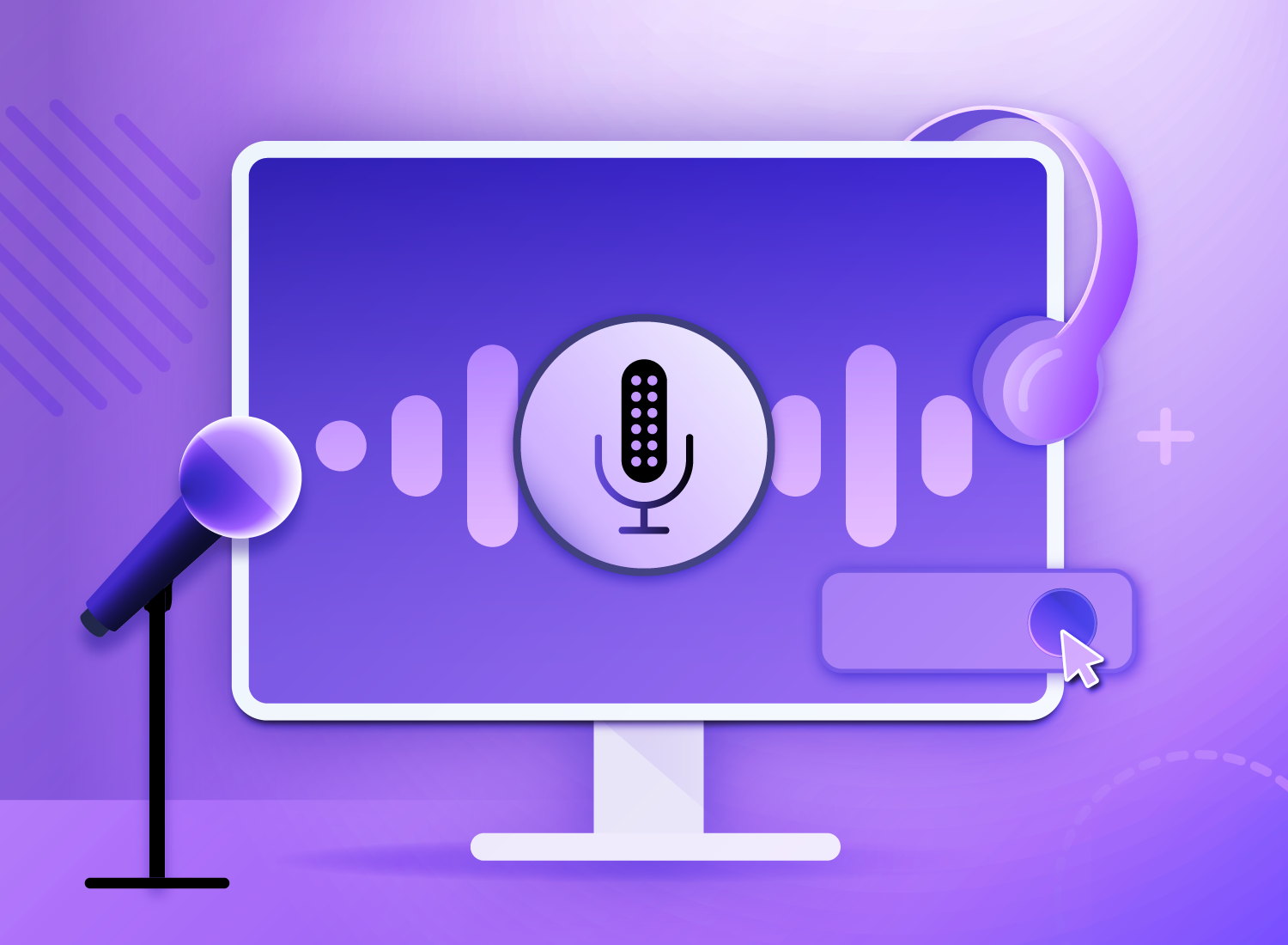
Record crystal clear audio with noise reduction and voice enhancement features built right in.

Performance Optimized

Performance Optimized

Lightweight application that won't slow down your system while recording, even during intensive tasks.

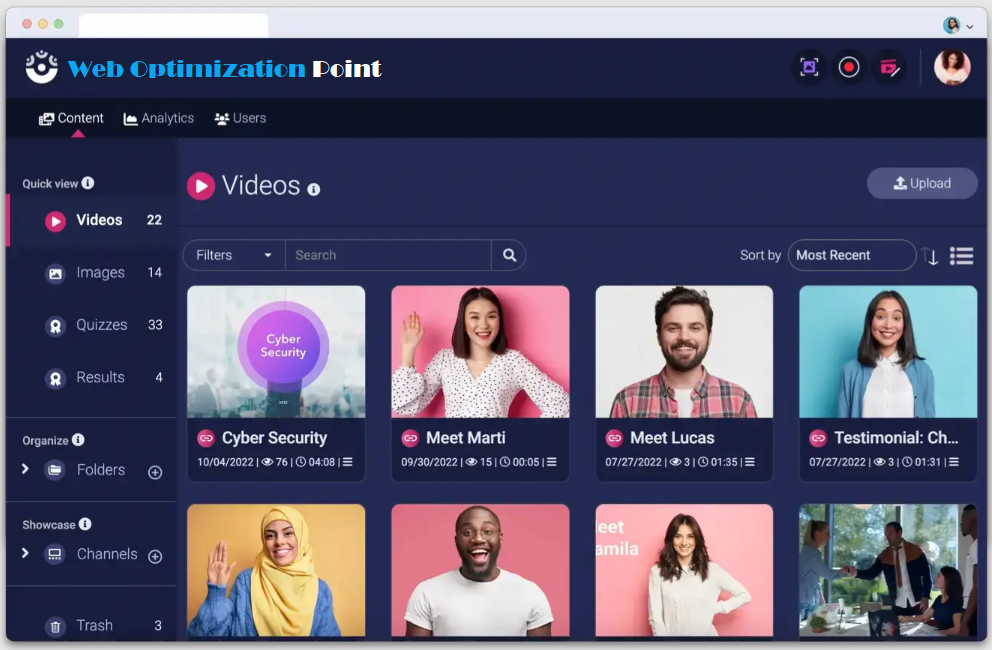
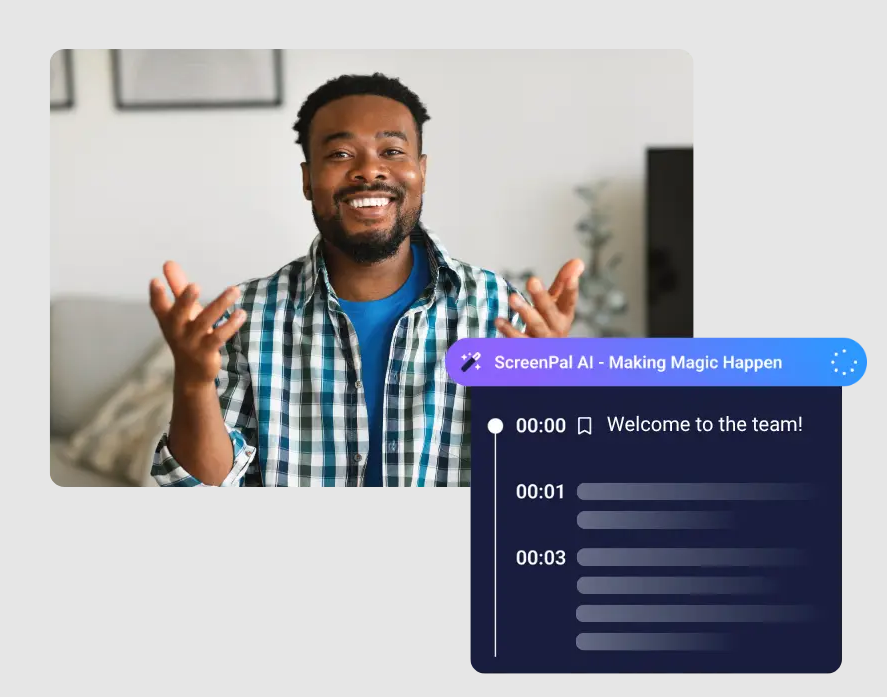
WebOptimizationPoint in Action

WebOptimizationPoint can improve your workflow

WebOptimizationPoint recording interface

What Our Users Say

Don't just take our word for it - hear from our satisfied customers

WebOptimizationPoint has completely transformed how I create tutorials for my online courses. The annotation tools are incredibly intuitive and the video quality is outstanding.
Sarah Johnson

Sarah Johnson

Online Educator

As a software developer, I use WebOptimizationPoint daily to create bug reports and feature demonstrations. The performance is excellent even when recording resource-intensive applications.
Michael Chen

Michael Chen

Software Developer

The sharing options in WebOptimizationPoint have saved me so much time. I can now quickly create professional-looking product demos and share them with my team and clients.
Emily Rodriguez

Emily Rodriguez

Product Manager